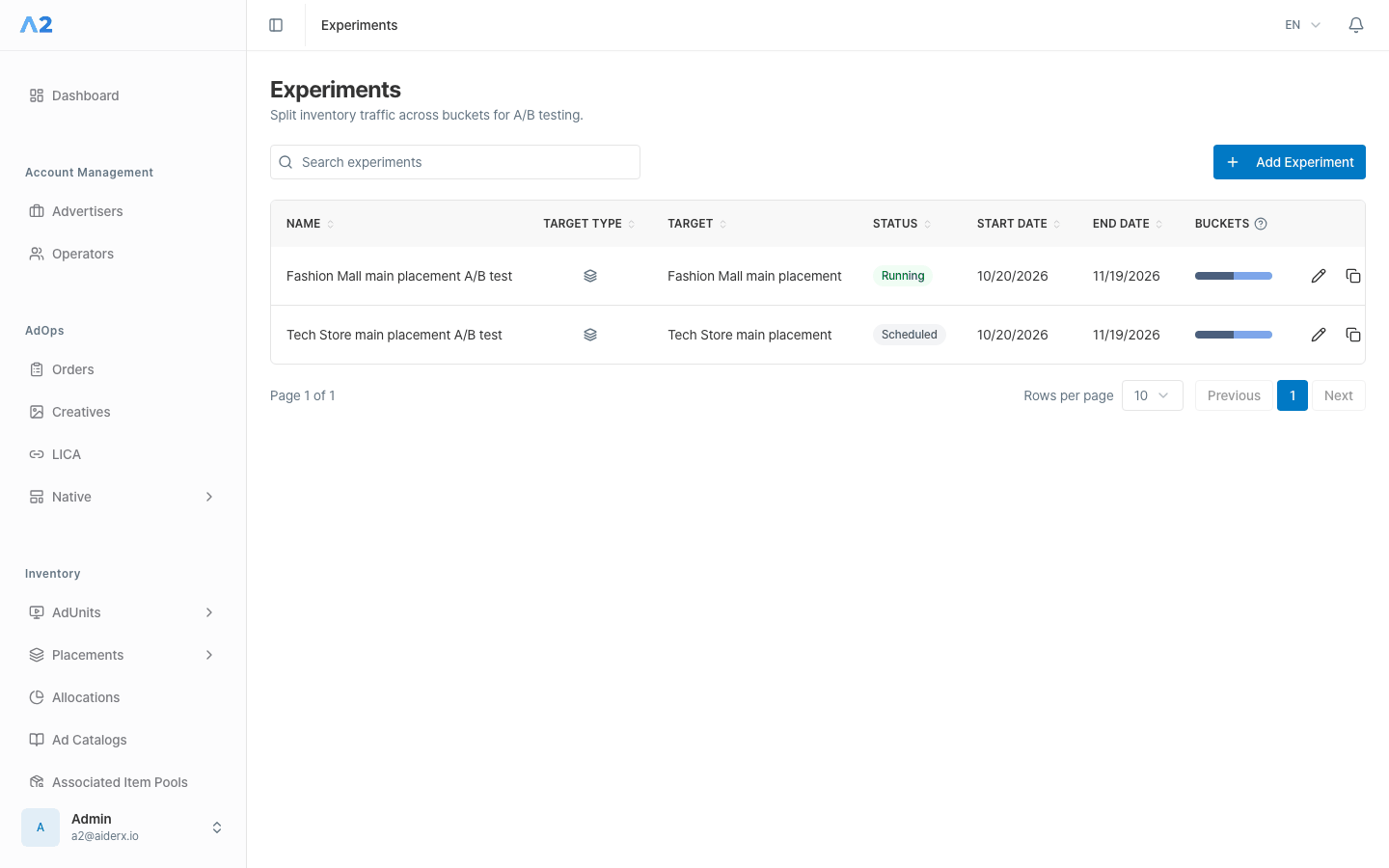

The current experiment form lets you select an AdUnit. Placement is marked as coming soon and cannot be selected. The Experiments menu may not appear, depending on your deployment and access.
Prepare and create an experiment
1
Enter the basic information
Open Optimization → Experiments and select Add Experiment. In Basic information, enter a name, choose an unarchived AdUnit, and set the start and end times. The end time must be later than the start time.
2
Configure the buckets
In Buckets, configure the buckets to compare. Bucket names must be present and unique.
3
Review Line Items and save
Add the Line Items for each bucket, then review their Weight and Line Item Rotation. The first bucket is marked Control. Review the target, period, bucket proportions, and Line Items in the Setup Summary, then save. Advanced JSON settings are marked as development functionality.